RevDog vs Webflow Optimize: Conversation or Experimentation?
Webflow Optimize changes and tests the page. RevDog answers, qualifies, and learns from buyers while testing incremental impact. Compare the two CRO methods.
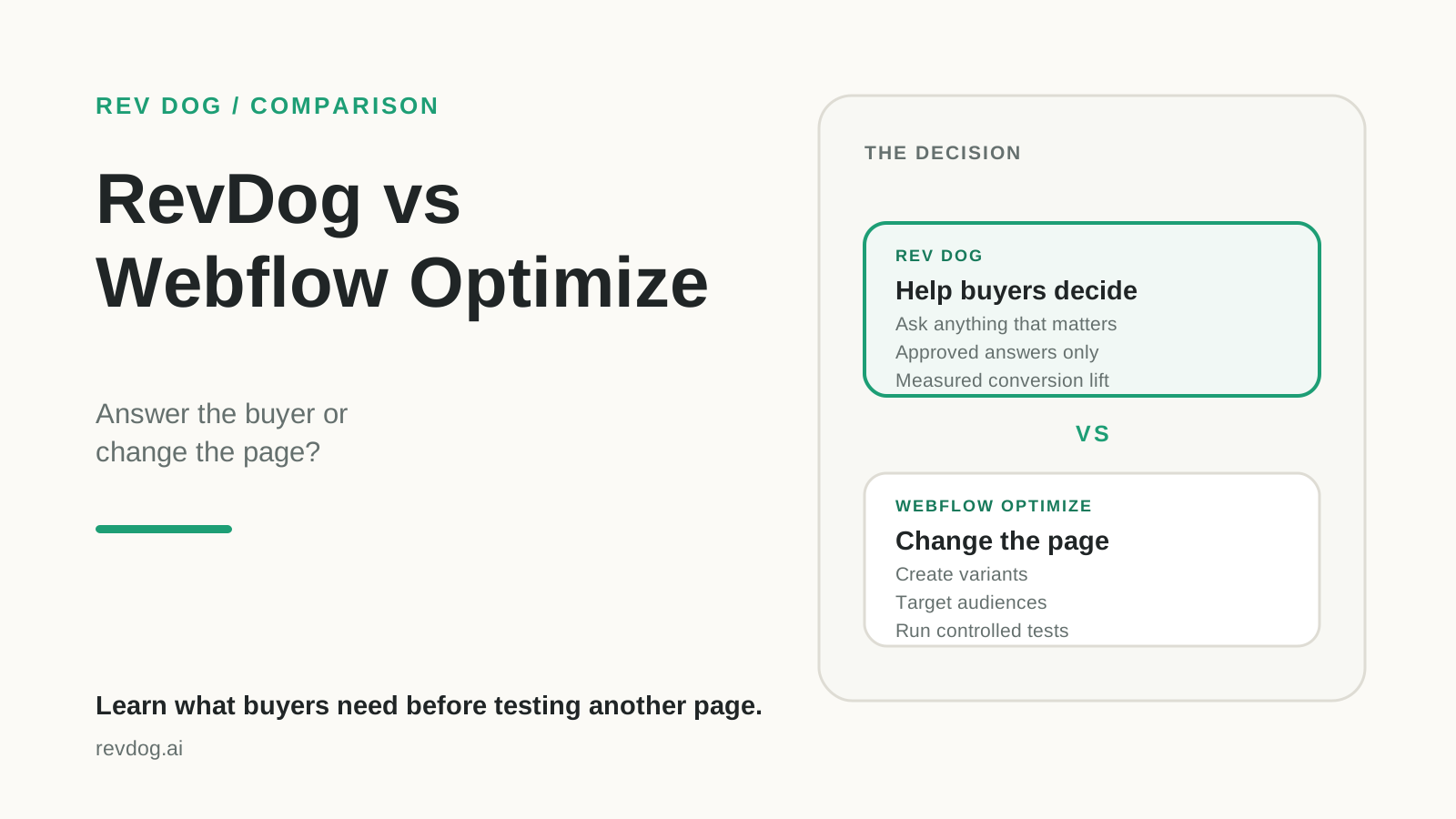
Webflow Optimize and RevDog both seek conversion lift and both can use paid-traffic context. The mechanism is different.
RevDog turns fixed sales pages into an interface where buyers can ask anything that matters to their decision. Rather than leaving a general-purpose LLM as the only place where buyers ask questions and form an opinion, your own grounded LLM answers from approved product and service knowledge and guides the buyer toward conversion. Webflow Optimize keeps the page model and tests which authored or AI-generated variant performs best.
Webflow Optimize changes the page: teams create variants, target audiences, run A/B tests, and let AI choose fitting content. RevDog adds a conversation: it answers the individual buyer's question, records what the page failed to explain, and measures the companion against a holdout.
RevDog vs Webflow Optimize factual matrix
| Dimension | RevDog | Webflow Optimize |
|---|---|---|
| Intended buyer | B2B teams needing a website sales companion, buyer-question intelligence, and causal conversion measurement | Web, growth, CRO, and marketing teams testing and personalizing page experiences |
| Traffic source | Any website traffic; page, journey, and conversation context, plus acquisition context when available | Any website traffic, targetable by device, behavior, UTM, geolocation and, on Enterprise, firmographic or CRM data |
| Interaction model | Sitewide companion that answers, qualifies, captures consented leads, and offers approved conversion actions | Page variants, audience personalization, traditional A/B tests, and AI-selected experiences; no buyer conversation required |
| Grounding | Approved factual sources with citations and withholding | Not an answer-grounding system; variants are authored by teams or generated with AI Assistant and governed through experiment setup |
| Measurement method | Persistent randomized companion-versus-control test on a qualified outcome | Native A/B testing, personalization results, audience insights, and AI optimization across page variants |
| Pricing basis | Small base plus 20% of proven incremental lift, capped | Starts at $299/month based on page views for listed self-serve capacity; Enterprise and non-Webflow deployment are sales-priced |
| When RevDog is not right | You primarily need to rewrite, personalize, and statistically compare the page itself at scale, without adding an interface for buyer questions | That experimentation workflow is Webflow Optimize's core job |
Webflow Optimize is a real experimentation alternative
Webflow Optimize combines traditional A/B testing, rules-based personalization, and AI Optimize. Teams can vary copy, images, CTAs, navigation, or larger page sections; target by campaign and visitor attributes; and inspect audience performance. AI Optimize makes real-time decisions about which variation to serve.
It works natively with Webflow and can be installed on non-Webflow sites using JavaScript. Enterprise adds firmographic targeting and integrations with ABM, CRM, and marketing systems.
This means RevDog should not claim that competitors merely attribute conversions while it alone experiments. Webflow Optimize explicitly runs controlled page tests.
What RevDog learns that a variant test may not
An experiment can establish that version B converts better than version A. It does not automatically reveal the question a visitor still could not answer.
RevDog collects that first-party language during the session: migration concern, missing integration, unclear price, security objection, or comparison request. It resolves the question when approved evidence exists, can qualify and guide the visitor to a configured conversion action, and aggregates the signal into a prioritized content queue. Conversations keeps the per-session reasoning and outcome available for inspection.
The trade-off is interface and scope. A companion asks the visitor to engage. Webflow Optimize can improve the experience for everyone without opening a conversation.
Two different kinds of causal test
Webflow Optimize tests alternative page experiences. RevDog tests the presence of the conversational intervention. Both can be causal when assignment, exposure, outcome, and analysis are sound.
Choose based on the hypothesis:
- “This headline, proof block, or CTA will perform better” belongs in Webflow Optimize.
- “A relevant answer at the moment of uncertainty will create more qualified conversions” belongs in RevDog.
- “We do not know what to change” may start with RevDog's question data, then validate the resulting page change in Webflow Optimize.
That sequence can make the products complementary rather than mutually exclusive.
What customers report in practice
Public review evidence for Webflow Optimize under its former Intellimize name is limited. Capterra currently shows three reviews, all four or five stars, and some were vendor-referred with a disclosed incentive. Reviewers praise easy experiment setup, AI Optimize, useful audience learning, onboarding, and responsive support.
The reported friction is narrower and should not be called a validated pattern. Individual reviewers mention occasional slow loading of variations, Visual Editor errors that do not clearly explain what went wrong, and some time needed to learn the editor and dashboard.
The honest conclusion is that the available review sample is too small to support broad claims about customer dissatisfaction. A trial should still test variation speed, error recovery, editor usability, goal configuration, and how much support is required to launch and interpret a real experiment.
RevDog's independent review base is also limited. Its buyer interface, grounding, qualification, lead capture, conversion actions, insights, and holdout analysis should be tested on the buyer's own site before treating the product specification as proven performance.
Pricing and fit
Webflow's pricing page currently lists Optimize from $299 per month, based on page views, with up to five concurrent optimizations. Enterprise offers unlimited concurrent optimizations and advanced integrations through a custom quote. Non-Webflow pricing is also sales-assisted.
RevDog uses a small base plus a capped percentage of proven incremental lift. It requires an agreed qualified outcome and enough traffic for the holdout to become informative.
Choose Webflow Optimize when the team already knows which page changes it wants to test. Choose RevDog when conversion is weak but the team does not know why, when buyers need answers that no single fixed page can anticipate, or when growth must come from existing traffic rather than a larger ad budget.
Final verdict
These tools test different hypotheses. Webflow Optimize asks which page experience performs better. RevDog asks whether answering a visitor's live question changes qualified conversion. A mature CRO program may use both, but it should not confuse the evidence each one produces.
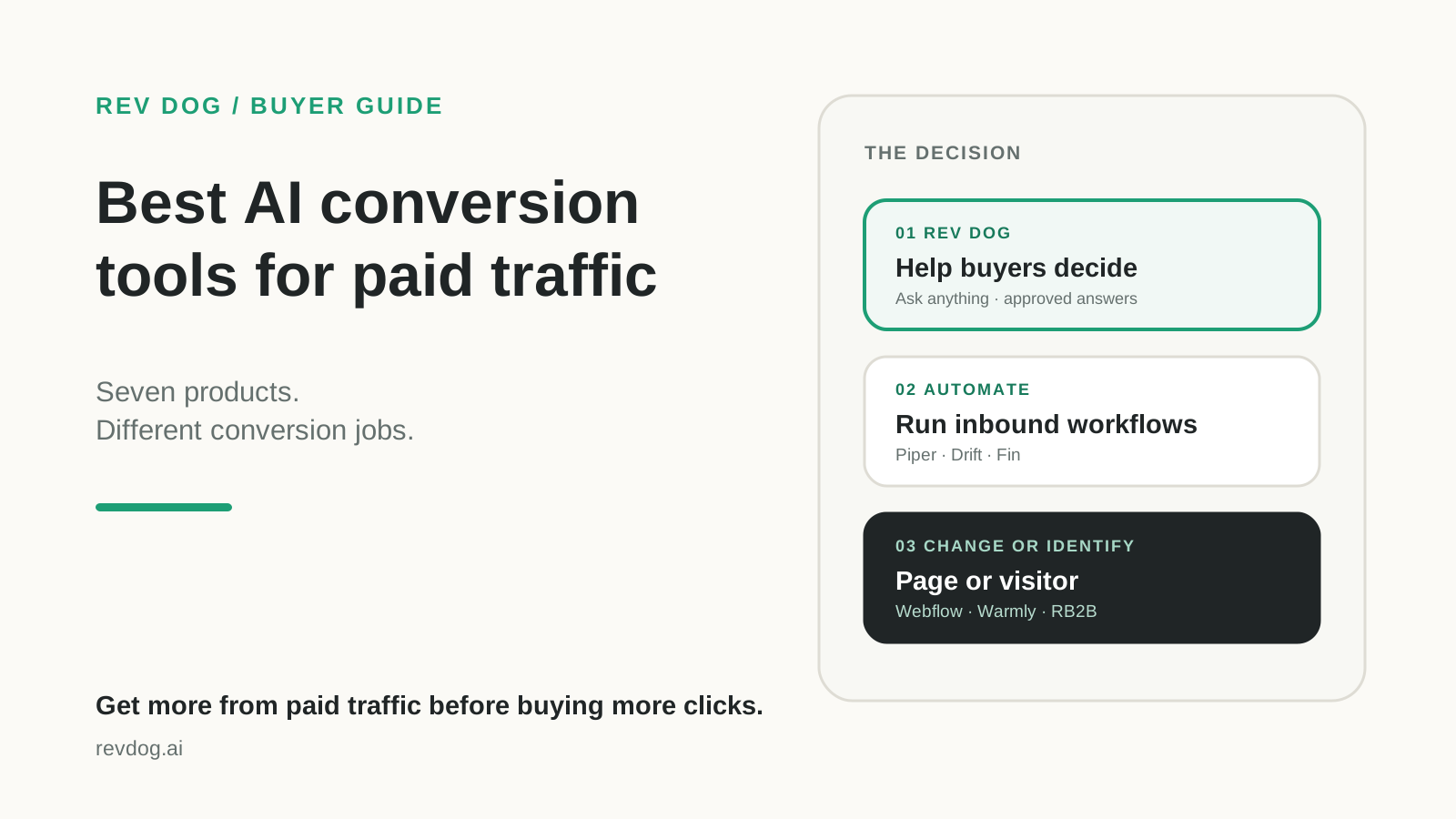
See best AI conversion tools for paid-traffic landing pages for the wider selection.
Sources and review date
Webflow facts were checked against official Optimize, Optimize documentation, and pricing pages on August 17, 2026. The limited customer-review sample was checked against the former Intellimize Capterra listing on August 19, 2026. RevDog capabilities and positioning were reviewed against the current RevDog website and product implementation on August 19, 2026. Product capabilities and packaging can change; verify requirements with each vendor before purchasing.